Track the time. Send the invoice. Let your agents keep the timesheet.
Achiever is a Pomodoro and stopwatch time tracker for freelancers that turns billable hours into invoices — and lets Claude Code, Codex and Cursor run your timer, log their work and manage your tasks.
Works with Claude CodeCodexCursorclaude.ai
AI-native
Your agents keep your timesheet.
One hosted MCP server gives your coding agents the same Achiever you use: they start the timer when they pick up a task, note what they did, and stop when they are done. Each session records every task it touched, so your day log shows the hours actually worked.
- Run your timer — the phone follows it live
- Create tasks and sub-issues, move them along, link PRs and issues
- Leave progress notes so the next session can resume
- Answer “what did I work on?” and draft invoices from unbilled time
Agents act only as you. They sign in with OAuth through your Achiever account and get exactly your permissions. Disconnect any of them from the Agents page.
$ claude mcp add --transport http achiver \
https://achiver.appwrite.network/mcp
# then run /mcp in Claude Code and sign in
Pick up #42 and track the time while you work on it.
● work_status
#42 Ship the task views · in progress · 3/5 sub-issues
● timer_start { tasks: ["#42"], stopwatch: true }
Stopwatch running, tagged #42. Your phone shows it too.
● task_note { ref: "#42", text: "Peek panel done…" }
Noted on #42 — the next session picks up from here.
Codex and Cursor take the same URL as a remote MCP server. The web app’s Agents page has copy-ready setup for each.
31 tools in five groups
Timer
Start, stop and tag the one running timer. Your phone follows it live.
- timer_status
- timer_start
- timer_stop
- timer_tasks
- timer_add_items
Tasks
Pick up where the last session left off, create sub-issues, link PRs, leave notes.
- work_status
- task_list
- task_get
- task_create
- task_update
- task_note
- task_share
- task_delete
Time queries
What did I work on yesterday? How much is unbilled for this client?
- day_log
- time_summary
- unbilled_time
Billing
Draft an invoice from unbilled time, record a payment, list what is overdue.
- draft_invoice
- record_payment
- list_overdue_invoices
Data
List, create, update and delete projects, clients and sessions.
- list_projects
- list_clients
- list_sessions
- + 9 more
Everything a freelancer bills from
From the first minute to the paid invoice.
Most time trackers stop at the timer. Achiever carries the work all the way through to getting paid.
-
Pomodoro and stopwatch
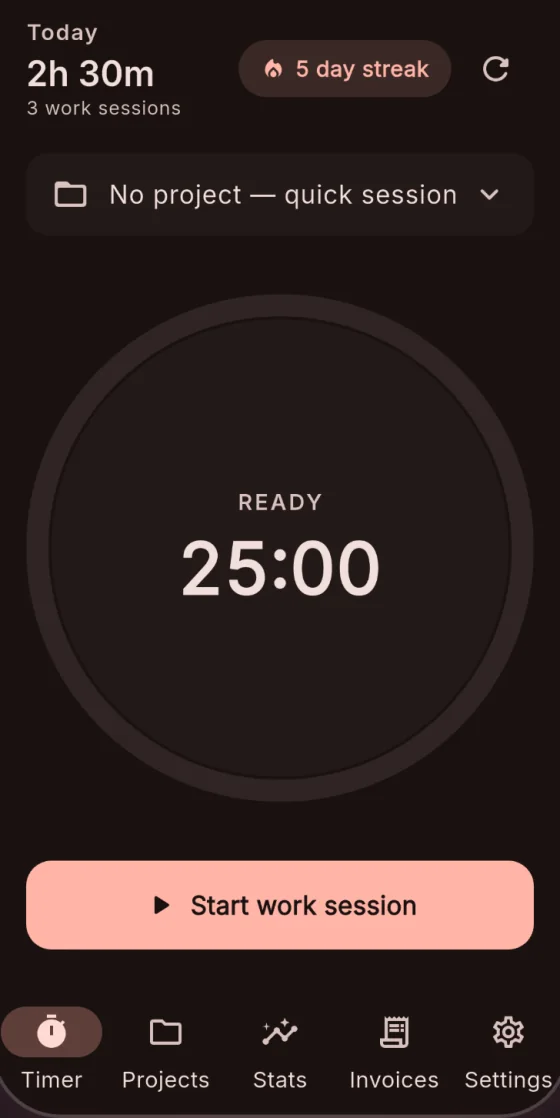
Classic Pomodoro cycles, or a stopwatch when the work does not fit a block. Idle detection asks before a forgotten timer inflates a bill.
-
Clients, projects and rates
An hourly rate and currency per project, per-client time rounding, billable or not — and project budgets with alerts.
-
Invoices and estimates
Turn tracked hours into a clean PDF invoice. Estimates convert to invoices, recurring invoices repeat, and partial payments close the balance.
-
Revenue dashboard
Tracked, invoiced and outstanding at a glance, top clients, and overdue invoices that never go quietly unpaid.
-
Tasks with sub-issues
Statuses, priorities, labels and due dates. Nest sub-issues as deep as you need, and link GitHub pull requests and issues.
-
Read-only share links
Send a teammate a link to a task and its sub-issues — optionally with time and activity. No account needed; revoke it any time.
-
Offline-first sync
Track, edit and log without a connection on Android. Everything syncs across your devices when you are back online.
-
Tags, goals and reports
Daily and weekly focus goals with streaks, patterns by day, hour, project and tag, and exports to CSV, Excel, JSON or PDF.
Keyboard-first
Fast on the web. Focused on your phone.
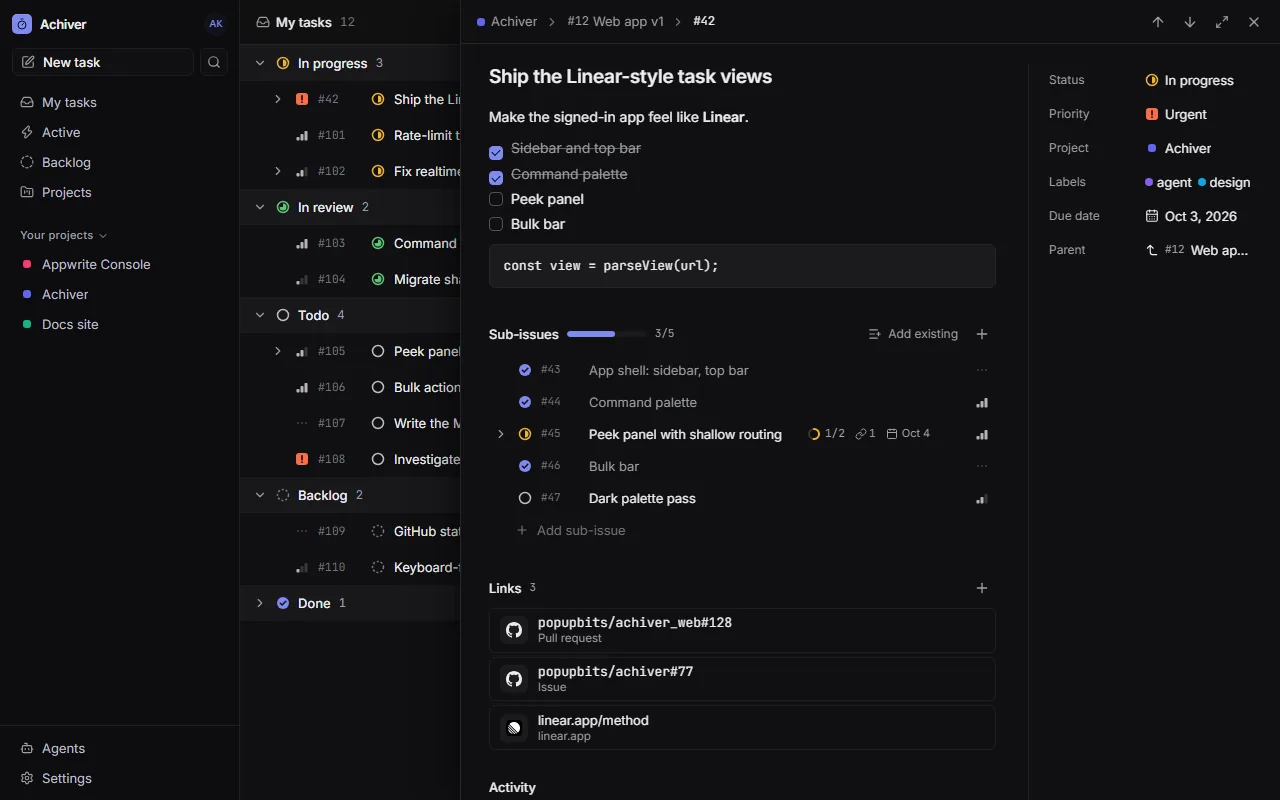
The web app is built for triage: list, board and peek, with a command palette and shortcuts for everything. The Android app is where the timer, invoices and reports live.


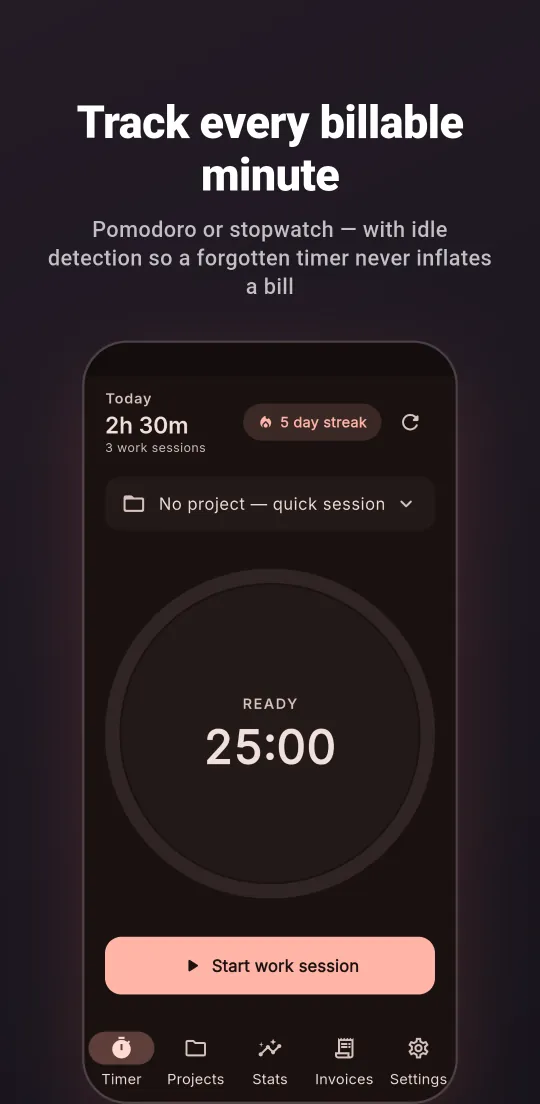
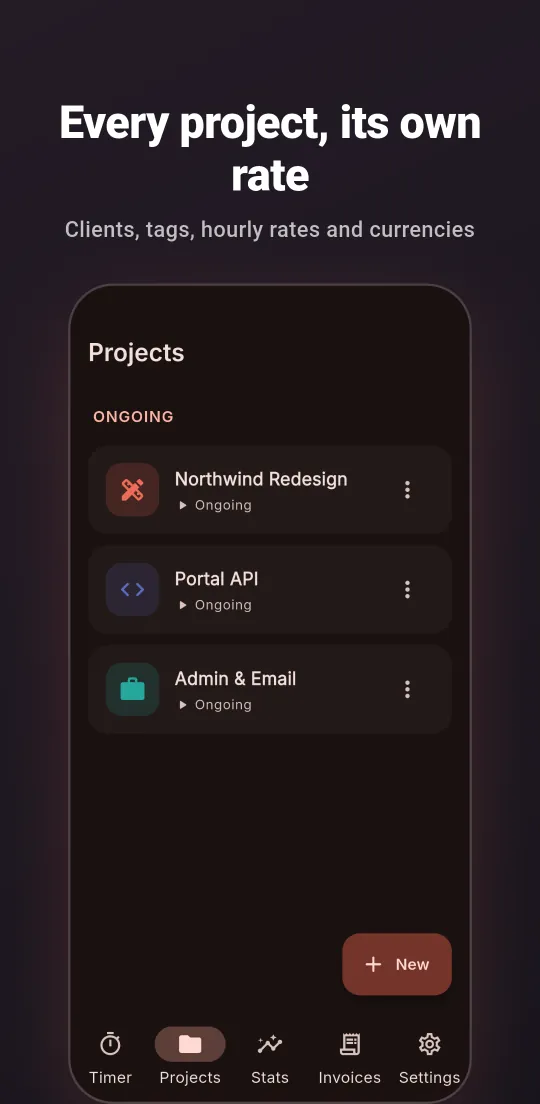
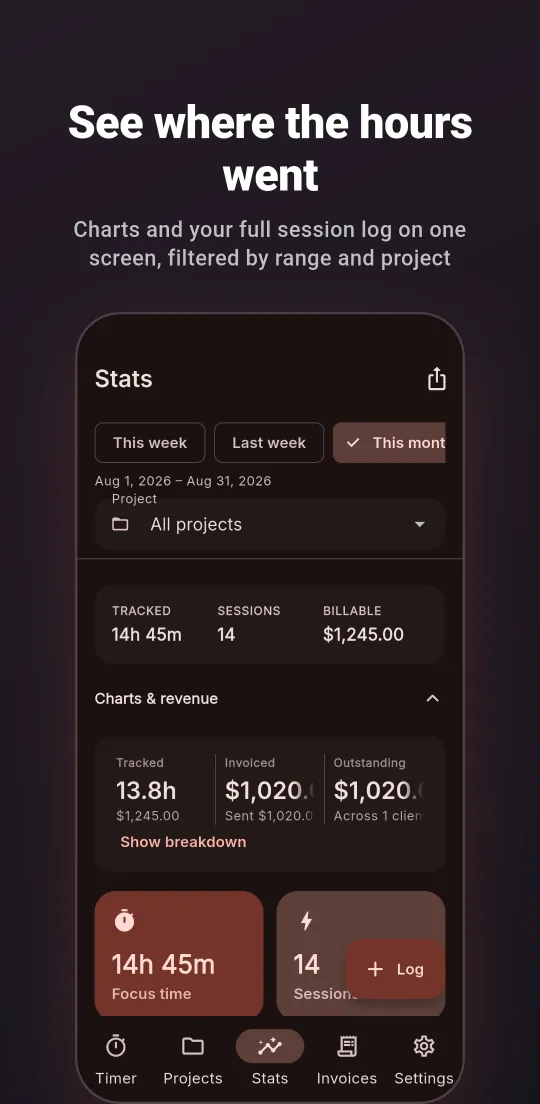
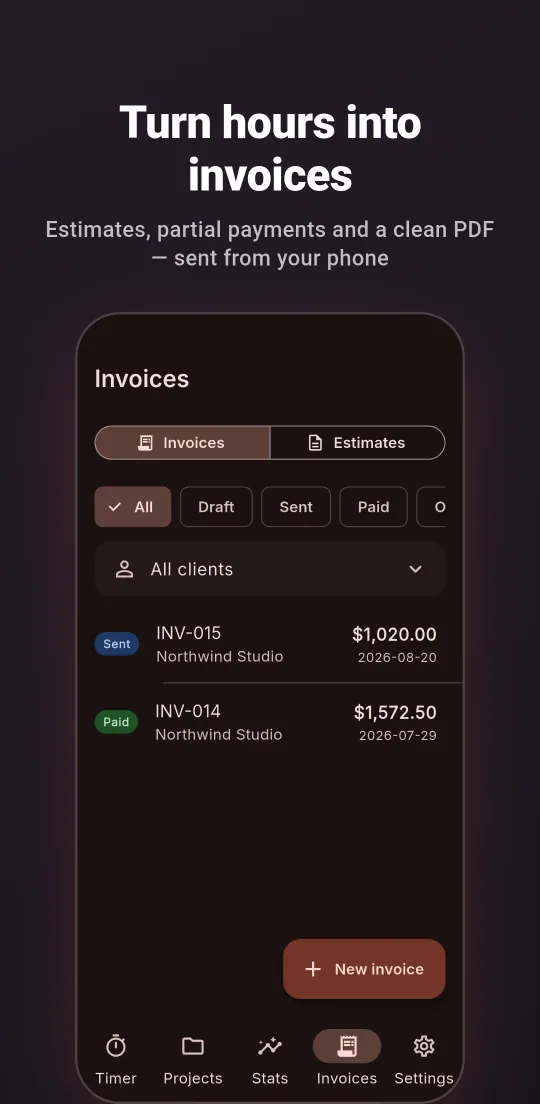
Screenshots from the Google Play listing, with sample data.
How it works
Up and running in three steps.
- 01
Install the app
Get Achiever from Google Play and create your account. The same account signs you in to the web app.
- 02
Track and invoice
Run the timer against a client and project, then turn the hours into an invoice and record the payment when it lands.
- 03
Connect your agent
Add the MCP server to Claude Code, Codex or Cursor and sign in once. From then on, your agent keeps the timesheet.
https://achiver.appwrite.network/mcpPrivacy
Your time and client data are yours.
-
Private to your account
Your projects, sessions, invoices and tasks belong to your account and are readable by you alone. The web app and the MCP server act as you, so the same permissions apply as in the app.
-
Agents on a leash
Agents sign in with OAuth and only ever get your own access. Each one is listed on the Agents page and can be disconnected in a click. Share links are read-only and revocable.
-
No ads, no trackers
The app ships no advertising SDKs and no third-party analytics.
Questions, answered.
Which agents work?
Claude Code, Codex, Cursor and claude.ai — any MCP client that connects to a remote server over HTTP and signs in with OAuth. Headless agents and CI can use a personal access token from the Agents page instead.
Is there a web app?
Yes. Sign in at achiver.appwrite.network/app with your Achiever account for your tasks: a list and a board, a peek panel, a command palette and keyboard shortcuts throughout. The timer, invoices and reports live in the Android app.
What can an agent do — and not do?
It acts only as you, with the same permissions you have in the app. draft_invoice only ever creates drafts — sending stays with you — and delete tools refuse unless the agent confirms explicitly. Every task change an agent makes shows in that task’s activity, under the agent’s name.
Does it work offline?
The Android app does: track, edit and log without a connection, and changes sync across your devices when you are back online.
Can teammates see my tasks?
Only through a read-only share link you create for a specific task. Anyone with the link can view it without an account, and you can revoke it at any time. Everything else stays private to your account.
How do I disconnect an agent?
Open Agents in the web app and disconnect it. Personal access tokens are revoked from the same page.
Turn tracked hours into paid invoices.
Start the timer on your phone, then let your agents pick it up from the terminal.